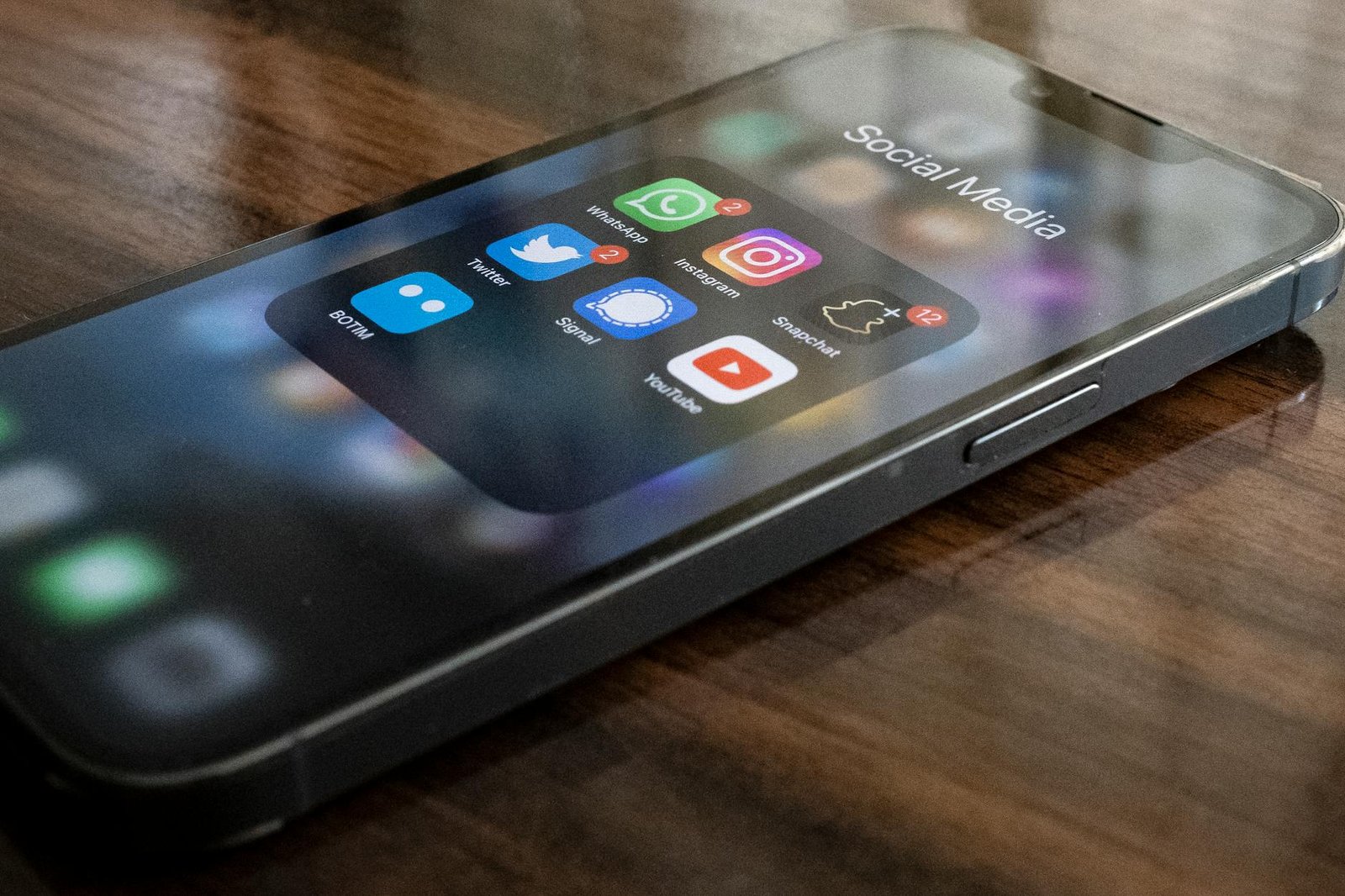
Instagram’s “Instants” – A Moment of Panic for Millions (and How to Fix It)
Let’s be honest: we’ve all been there. You’re capturing a spontaneous, beautiful moment – a kid’s goofy grin, a stunning sunset, a hilarious mishap – and you’re eager to share it with your friends and family. But what if Instagram’s latest feature, “Instants,” suddenly starts popping up in your feed, and you realize you’ve unknowingly shared a bunch of photos you didn’t intend to broadcast? That’s exactly what’s happening to a rapidly growing number of users, and it’s sparking a wave of frustration and confusion across the platform.
What This Means for AI Users
Instagram introduced Instants last month as a way to share “real-life moments as they’re happening.” The idea was simple: you’d take a photo or video, and Instants would automatically create a shareable post, sending it to your close friends and family. It sounded great in theory, but the execution has left many users feeling like they’ve lost control of their content. The core problem? Instants aren’t just posts; they’re designed to be ephemeral, disappearing after 24 hours. However, many people weren’t fully aware of this limitation, and some accidentally shared photos that they wanted to keep private.
What’s particularly concerning is how Instants are being added to your feed. Users report seeing Instants appear seemingly out of nowhere, often alongside regular photos and videos. Worse still, some have discovered that they’ve already sent photos to people without realizing they were contributing to the Instants pool. This has led to a scramble to understand how the feature works and, crucially, how to remove photos that have already been shared. Meta, Instagram’s parent company, has released some guidance, but it’s often buried within the app’s settings, making it difficult for the average user to find.
So, how do you stop Instants from appearing and, if you’ve shared photos you don’t want to be seen, how do you retract them? It's not a simple process, but it's manageable. First, you need to disable Instants entirely. Go to your Instagram settings, then navigate to “Privacy” and select “Close Friends.” This will prevent Instants from being automatically shared with your close friends. Second, if you’ve already sent photos, you’ll need to individually remove them from your Instants archive. This requires manually scrolling through your Instants history and deleting each photo or video. It’s tedious, to say the least.
The Bigger Picture
This situation highlights a critical issue with how social media platforms are rolling out new features. Often, the explanation of a feature's functionality isn't clear enough, leaving users feeling confused and potentially vulnerable. It also underscores the importance of carefully reviewing privacy settings and understanding
Stay updated: Follow AIZyla for daily AI news explained clearly for everyone.
Stay ahead of AI — free
Weekly digest of the best AI news, tools, and guides. No spam.